Foreign Language Speakers
Foreign language speakers are given the opportunity to communicate with an audience that does not understand their language.Recording
The speech is recorded either by video camera or microphone. Alternatively, it can also be streamed from another location.A/V Input Signals
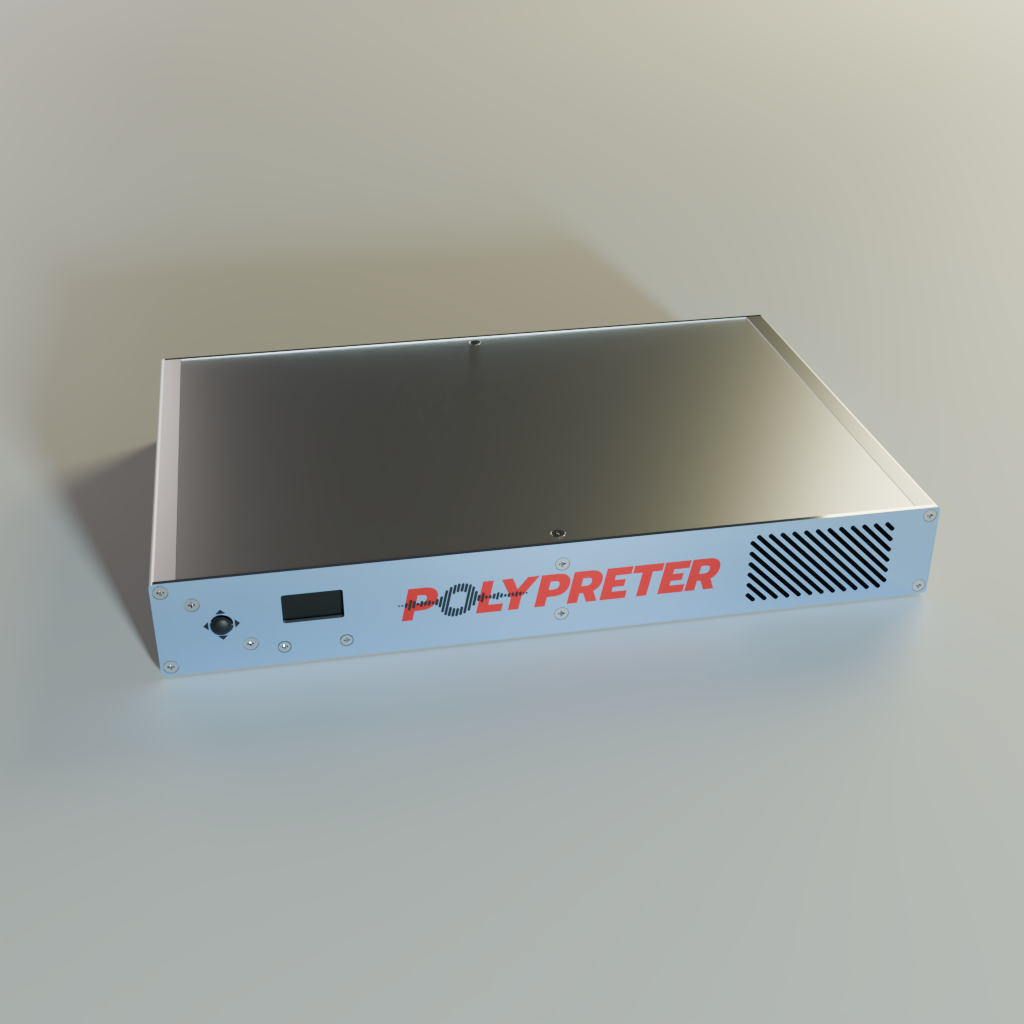
The video and audio signals are forwarded to the Polypreter. The video signal is transmitted via an HDMI cable. There are several options for the audio signal. These include: HDMI, XLR, Jack and USB.Polypreter
The Polypreter translates the received speech data. The translation can be output as text in the form of subtitles, transcripts or via the web interface. It is also possible to output the translation as spoken text. All translation and processing takes place locally in Polypreter and is therefore 100% secure.A/V and Text Output Signals
Polypreter offers numerous options for outputting the audio, video and text data. These include HDMI, XLR, jack, USB and network.Subtitle Output
Polypreter outputs the subtitles as a video signal via HDMI. It is possible to display the subtitles as an overlay on top of the input video. Alternatively, a single-colour background can be used.Translated Speech Output
Polypreter generates speech output from the translation, which is output via the XLR, Jack or USB connection.Translation as Web Interface
Polypreter optionally provides the translation as a web interface. This can then be read using an internet browser. To do this, the Polypreter network interface must be integrated into the locally available network infrastructure.Transcripts
Optionally, Polypreter can transcribe both the incoming speech data and the translation. The texts are time-stamped and saved in VTT format. The transcription files can then be copied to a USB memory card or downloaded via the web interface.